Anydesk
AnyDesk, a fast remote access to computers

Safe & Secure
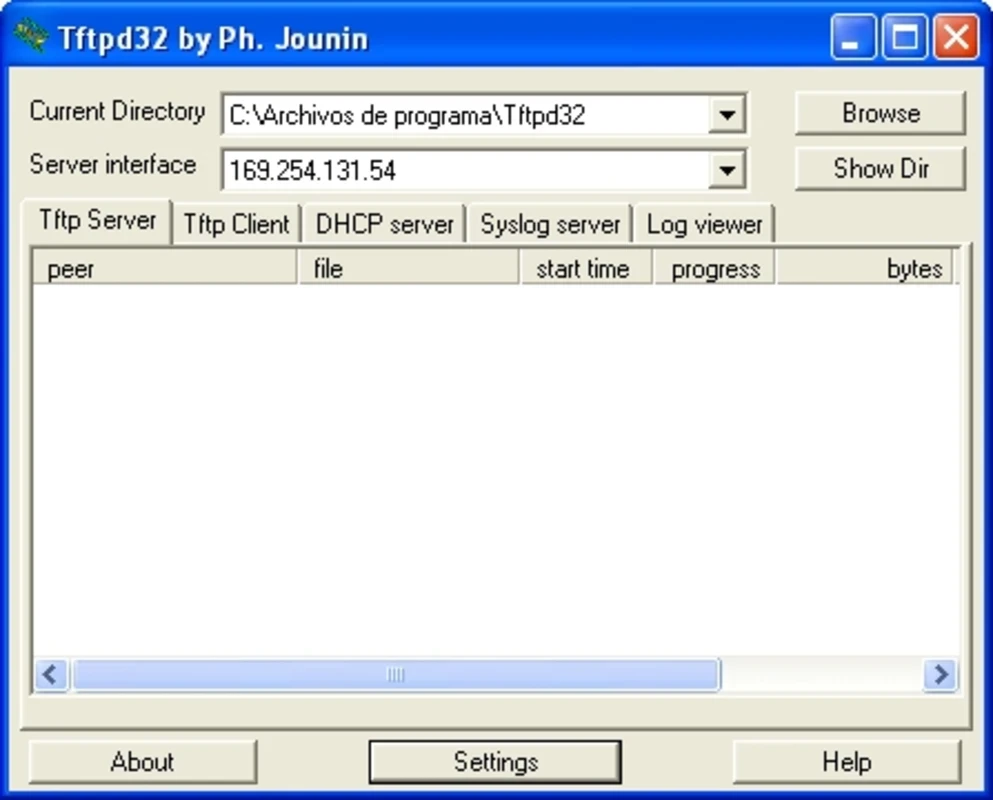
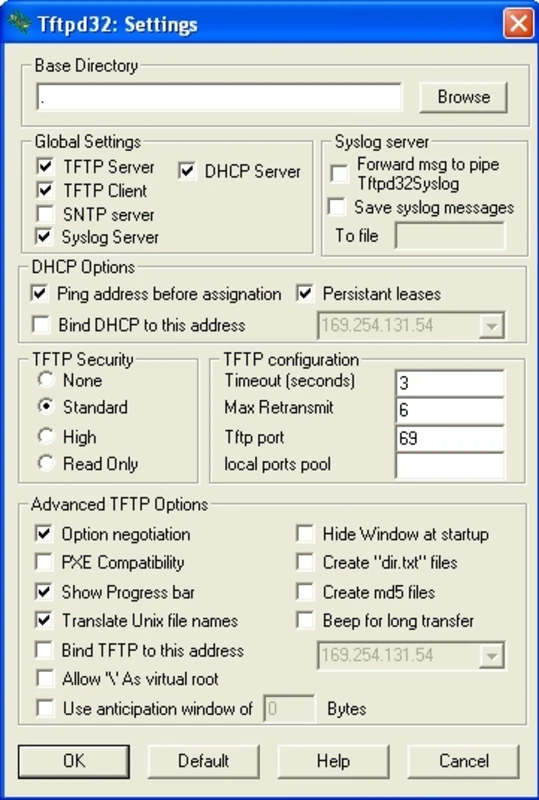
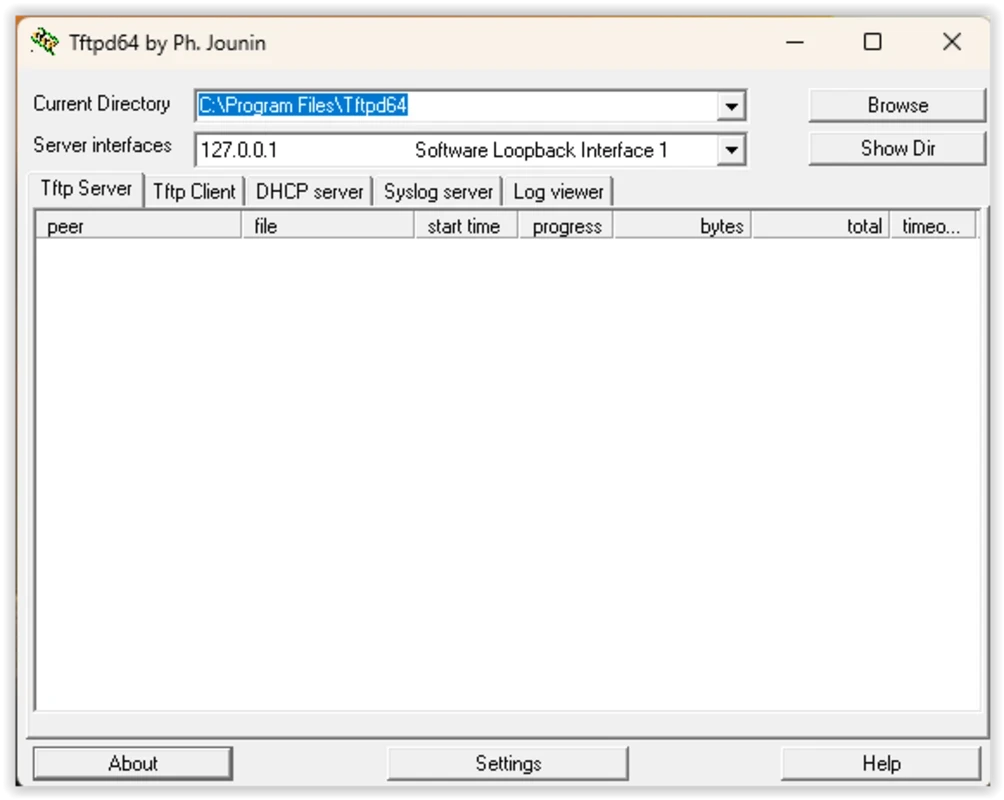
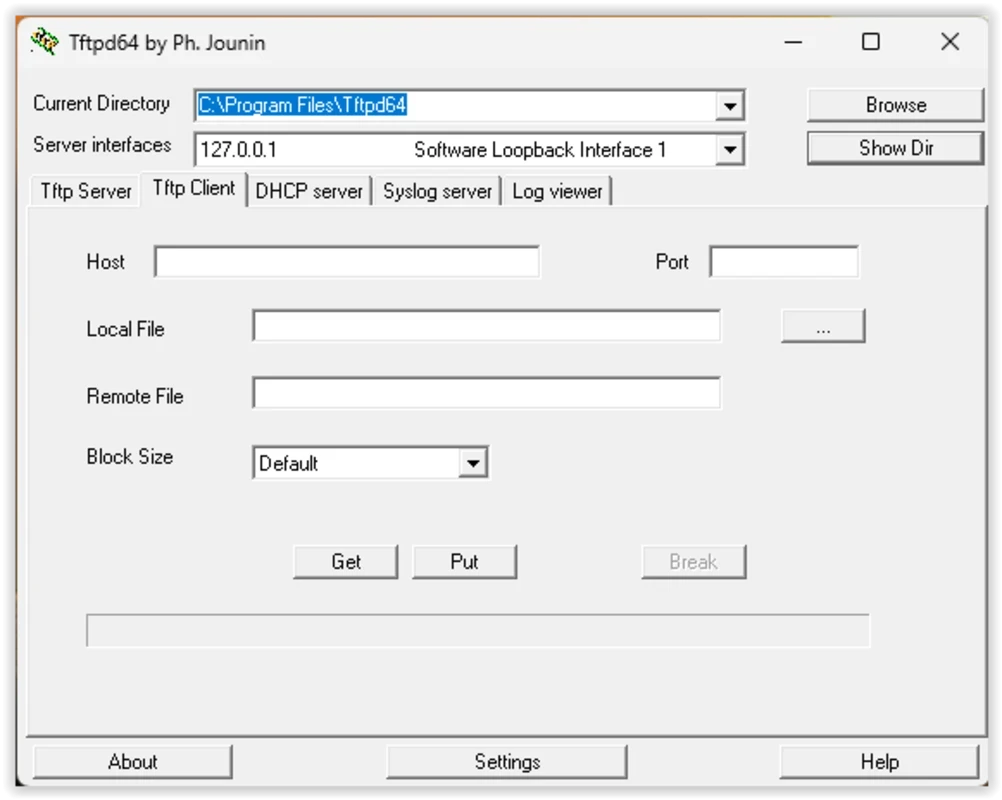
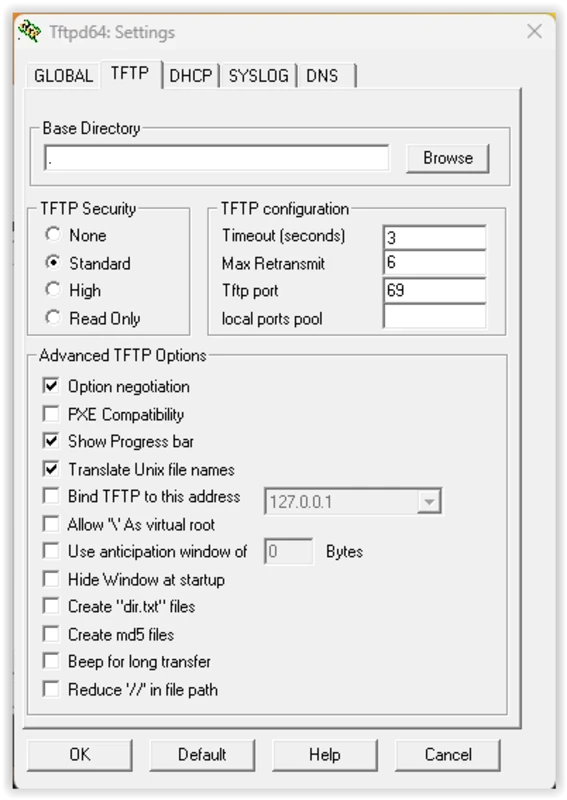
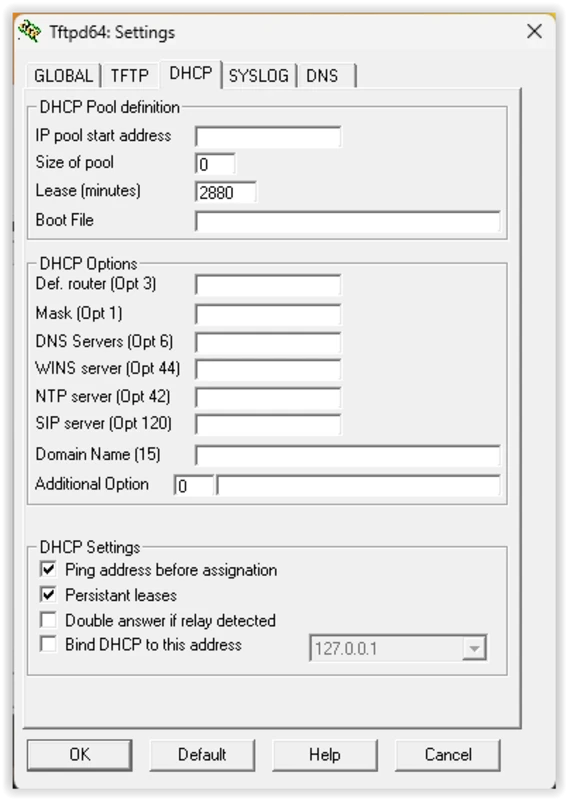
TFTP is a free application that offers secure network transfers over the Trivial File Transfer Protocol. The useful tool helps users to operate multiple tasks, such as update firmware, backup configurations, transfer system files, and so on. The simple and intuitive interface is equally reliable for both beginners and experts.
The app supports multiple other services, including DHCP, DNS, SNTP, and Syslog for implementing a TFTP server, offering a perfect solution for device deployment, management tasks, and recovery within skillful environments.
Trivial File Transfer Protocol, or TFTP developed by Philippe Jounin, is a comprehensive tool to allow quick transfer of files, specifying the security rules and directory permissions. The stability, ease of deployment and small footprint are the major capabilities to make it one of best choices for system administrators.
The multi-threaded tool makes uploading as well as downloading executable images and backups for routers and switches smooth and reliable. It helps to bind servers while working in the system tray, and also offers hassle-free file transfer without any size limitation.
The multi-threaded functionality is the best solution, specifically managing multiple device configurations or firmware updates, as it allows users to transfer multiple files simultaneously. It supports file transfer processes for up to 4GB to various network hardware, providing an ideal platform to manage multi-vendor environments. Moreover, you will be capable of viewing real-time logs of file transfers, IP assignments, or other network activity. It offers a hassle-free process of log analyzing, instead of going into complex network tools. You just need to ensure the “Log or Verbose” options are enabled in the settings.
It is one of the significant features, enabling administrators to limit access of others to the server, specifying authorized IP addresses or address ranges. The filtering of IP addresses helps to avoid unauthorized access, ensuring more effective oversight as well as control over sensitive network file transfers. You can also use the app for server bindings for gaining granular control over network interfaces to enhance security in segmented environments. You can also configure the app for sending and receiving operations exclusively.
Beyond the basic TFTP server implementation, it also offers a huge number of other innovative tasks, including TFTP server, DHCP server, SNTP server, TFTP client, DNS server, and Syslog server within an exclusive executable. The highly versatile tool offers awesome services for network administrators, professionals, and system technicians, allowing them to manage routers, switches, firmware, and other integrated devices. It helps to avoid deploying multiple separate services during any testing, configuration, or recovery processes.
Along with simplicity and versatility, the app proves very light over the system resources, as it doesn’t require much space on your RAM. Because the standard FTP protocol has limited commands, and the program is supposed to be implemented as a smaller utility that will take up too little disk space. However, this limited functionality will have multiple drawbacks and limitations.
The blazing-fast speed and reliability makes the app highly regarded in LAN environments, as it runs quietly in the system tray, consuming very few system resources. So, we can say it is the most suitable utility for under-processing operations on a server, or other management workstations. However, the transfer is limited up to 4GB, and isn't suitable for communication across the internet. So, you have to limit the uploading and downloading of files to the nodes on your LAN.
The straightforward user interface offers quick administration tasks, allowing you to view server status and root dictionary right on the main window. The minimalistic GUI offers settings in text fields and dropdown menus. The root server directory can be configured and defined easily, specifically for users who are familiar with TFTP and networking concepts, as users with less technical knowledge have to face a learning curve.
It is one of core features, allowing users to transfer firmware to network devices and PXE booting on workstations. No need for additional infrastructure, instead integration to DHCP server enables the app to configure some specific options, including boot file name and next-server. It is a handy tool, specifically for users who are used to frequently reinstall systems or recover equipment.
The app proves the best option for dynamic IT environments, offering automatic detecting of network changes and handling multiple subnets as well. It offers seamless compatibility with modern networks with support of both IPv4 and IPv6 protocols. However, lack of encryption and advanced security options can cause risks for sensitive environments.
Pros
Cons

AnyDesk, a fast remote access to computers

Accelerated Downloading with Internet Download Manager (IDM)

SHAREit for PC is the best option for a P2P file-sharing process without using Wi-Fi.

ShareMe for PC, a freeware and streamlined file-sharing app

uTorrent, a powerful, lightweight, and fastest P2P file-sharing software

Xender for PC, an effective and convenient file transfer utility